A Ticket Scanning Session is a 24-hour summary of your activity within the Ticket Scanner. It tracks both the number of tickets you scan and your total winnings during that time period, giving you a clear snapshot of your results.
Each session automatically resets at 12:00 AM. You can also manually reset your session at any time by tapping the Reset button within the scanner.
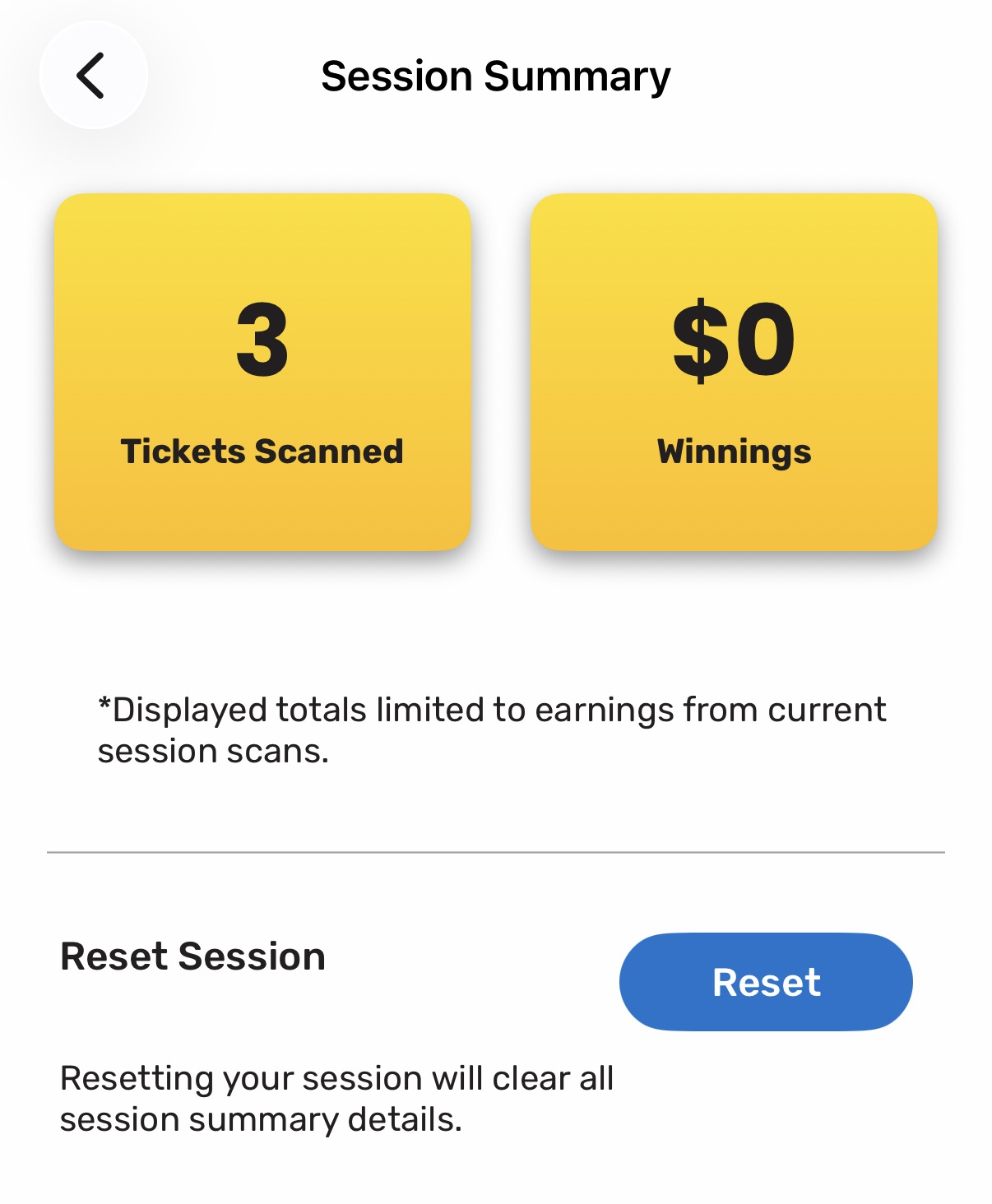
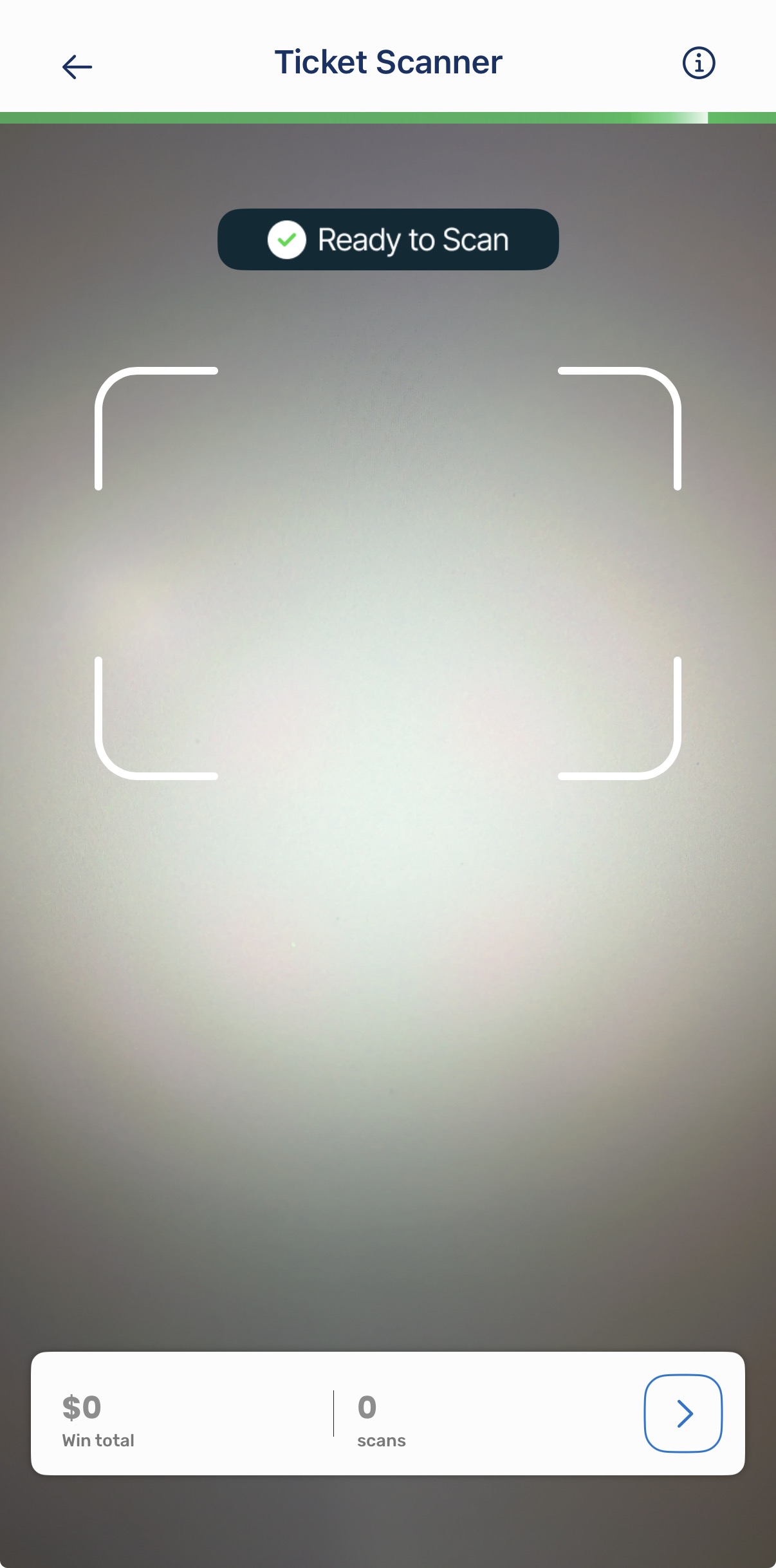
To view your session summary, tap the arrow icon located at the bottom of the Ticket Scanner. This will display your scan count and total win amount for the current session.
Was this article helpful?
That’s Great!
Thank you for your feedback
Sorry! We couldn't be helpful
Thank you for your feedback
Feedback sent
We appreciate your effort and will try to fix the article